

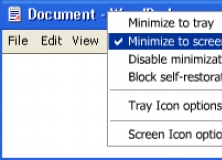
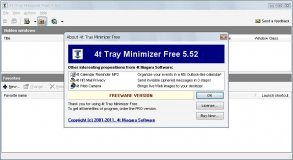
Sometimes when many applications are running on your computer at the same time it is very difficult to manage them on your taskbar. 4t Tray Minimizer 4.4 can help you solve this problem by minimizing any applications you like as System Tray icons. It has a lot of useful features that really make your work more convenient. After installing and starting this software a special tray icon appears. It can be used for opening a program’s main window or showing a pop-up menu with lots of actions available. 4t Tray Minimizer 4.4 includes many different ways for performing its main purposes: hiding and unhiding applications. You can easily choose one that seems more convenient for you. For example, you can use additional buttons on the title bar of any application or right button click on the minimize button for hiding it. The program allows defining hot key combinations for hiding and unhiding. Another interesting feature is a possibility of minimizing several applications into the same icon. 4t Tray Minimizer 4.4 has extensive options dialog that allows you customizing it on your demands.

















Comments (1)